





Nubian Skin Beats Spikes in Customer Interest with G Suite

4213
Of your peers have already read this article.
2:30 Minutes
The most insightful time you'll spend today!
“Nude” comes in all shapes, sizes and colors. But for Ade Hassan, finding undergarments to match her skin tone took more effort than necessary. Born in the U.K. to Nigerian parents, Hassan searched unsuccessfully for underwear and swimwear that matched her skin—a problem that continued to frustrate her through college and into her professional life.
“My nude isn’t the nude I see in shops,” Hassan says.
Like many other black entrepreneurs, she created her own solution. Hassan founded Nubian Skin, a company that sells lingerie, hosiery, and swimwear for women of color.
With shades like “cafe au lait” and “berry,” Nubian Skin products reflect diverse skin tones and are sold in shops located in the U.K., Nigeria and the U.S., as well as online. Beyoncé and her dancers even asked Nubian Skin to outfit them for their 2017 “Formation” tour.
Since nearly the beginning, Hassan has used G Suite to keep her business humming.
From managing meetings with retailers and manufacturers, to coordinating publicity efforts with fashion press, to keeping track of retail invoices, G Suite has helped Hassan scale her business as quickly as people have demanded her products.
“There are so many pitfalls and so many things that are hard about business,” Hassan says. “It’s really amazing to have something like G Suite that is easy and intuitive.”
Nubian Skin’s fashion fame arrived seemingly overnight. When Hassan posted the company’s first campaign images, its Instagram followers jumped from 50 people to more than 20,000 in just a few weeks.
“People called asking, ‘Can we have the contact for the press department?,” says Hassan. “But at the time, it was just me.” To easily handle media requests, she set up a press@nubianskin.com email address through the G Suite Admin console. And because she had used Gmail for several months before launching the company, using the business version of Gmail came naturally.
“Having that nubianskin.com address gave the business an air of professionalism, which we wouldn’t have had otherwise,” Hassan says. “Usually you need a whole IT department to set up new emails and passwords, but the Admin console removes the hassle of that process.”
Because Nubian Skin employees aren’t always in the showroom together, they need to be able to access business documents—like model photos and customer invoices—from anywhere.
To help, Hassan securely stores business documents in Google Drive (which can be accessed on mobile, too) and works collaboratively with her finance team to process orders using Google Sheets.
“Everyone has access to the spreadsheet so we can fill in what we need at any given point,” says Hassan. “This way, nothing slips through the cracks.”
And when she needs to connect with colleagues quickly or face-to-face, she uses Hangouts Chat or Hangouts Meet. Chat makes it so employees are only a message away, and Meet helps her connect with people as if they’re in person at the office.
Five years after launching Nubian Skin, Hassan is a recognized entrepreneur who’s influenced other retailers to create more inclusive designs.
“Even if you’re small, you want people to see you as a professional business,” Hassan says. “If you’re still growing, you need the building blocks to get you where you want to be. I can’t imagine working without G Suite.”
3964
Of your peers have already watched this video.
36:30 Minutes
The most insightful time you'll spend today!
Lessons for the Indian Government: How the State of Arizona Innovates with Emerging Tech
Government agencies of every size and jurisdiction are being called upon to provide accurate and real-time information and deliver essential services across the globe in a world infested by COVID-19.
Doug Lange, Chief Strategy Officer, state of Arizona, is primarily responsible for two things. One is Arizona’s statewide IT Strategic plan. The other to find different ways to promote emerging technologies across the state of Arizona.
Arizona is constructed of roughly 130 agencies, boards, and commissions. You have everything from the Department of Transportation to the Department of Revenue, all the way down to the Board of Nursing or the Board of Barbers. An important call-out for the state of Arizona: It’s a Federated state. That means every one of the agencies have the ability to make decisions. Lange works with an asset, which would be the Arizona Strategic Enterprise Technology office, also known as the Office of the State CIO.
“Our charge is really to partner with the governor’s office, and find ways to really promote enterprise opportunities
across all 130 agencies across the state of Arizona, to really find those wins. And when you start to dig into our why,
I think that makes a little more sense. How do we run government at the speed of business,
start to break through some of those barriers, and ultimately, find efficiencies that are going to be real savings and real wins for the citizens that are ultimately consuming the services for our agencies,” says Lange.
So with that charge, technology plays a huge part. And not only is technology a part of what any organization is doing, whether you’re talking about the public sector or private sector. But when you get into government,
there are just so many different ways that emerging technologies can really make a difference, says Lange.
Find out how Lange is enabling the State of Arizona with emerging technologies that support remote working and meetings for government officials and ensuring they quicken decision-making and serve citizens efficiently.
How Google Classroom Helps State of Iowa Employees Serve the Public Better

5582
Of your peers have already read this article.
1:30 Minutes
The most insightful time you'll spend today!
Organizations are pressed with the need to engage, retain, and upskill employees with many positions staying fully or partially remote as the pandemic continues. The Center for Digital Government (CDG) reports that 74% of state and local governments believe they will continue hybrid operations for the long-term. This transition is the latest in a long list of reasons agencies are looking for solutions to help train their workforce digitally. Some have found Google Classroom to be the perfect solution.
The State of Iowa knew about the advantages of digital classrooms even before the pandemic. They were already successfully using Google Classroom for in-person training, making the transition to digital seamless when the state closed down. Jessica Van Heuveln, a Google support specialist for the State of Iowa CIO’s Office, says the switch to digital doesn’t deprive workers of hands-on training. “You can use Google Classroom for many different environments, so if you’re doing self-taught, in-person or virtual training, it’s going to work with all those approaches.”
The logistics of a digital classroom
Iowa uses Google Classroom to onboard and upskill employees as well as train volunteers. When the pandemic shifted the state’s workforce to 70% working from home, they needed a platform that could not only handle a vast range of topics and teaching styles to support remote workers but also scale to meet their demand. Van Heuveln notes that Google Classroom was particularly helpful for handling compliance training, especially with its integration with Google Meet. These trainings often require an entire sector of the workforce to attend a single class with more than 100 attendees, according to Van Heuveln. The logistics of these larger sessions cuts down on the number of total sessions the state needs to host. Iowa also found that employees were less apprehensive about learning when they could do it from the comfort of their own homes.
Iowa follows a train-the-trainer model to train employees expected to instruct using Google Classroom. Trainers working in departments across the state learn to use Google Classroom to create and host virtual learning experiences specific to their own departments.
Collaborative classrooms made simple
Google Classroom meets many needs for Iowa, such as setting up training, managing attendance, reviewing uploaded coursework, and communicating with attendees. Both course attendees and trainers have everything they need in one place, and robust engagement tools help attendees stay focused while giving trainers the feedback they need from their lessons. Built-in survey options let trainers gauge attendee knowledge, and the chat function ensures no one ever misses a question. The reporting dashboard gives trainers access to analytics to track engagement and attendance, providing insights that can improve future training sessions.
Google Classroom also makes it easier to ensure attendees stay on board throughout the training program. Coursework can be uploaded directly into Google Classroom, and training sessions can be recorded and archived. This feature allows employees to work at their own pace or lets them catch up when a scheduling conflict means they might miss a session.
The enterprise version of Google Classroom Iowa uses interfaces with other Google Workspace tools such as Google Meet, Google Calendar, Google Drive, and Gmail, which streamlines training and leads to more collaboration between employees and trainers. It can also interface with applications from other providers, further boosting its utility as an effective virtual classroom. Google Drive stores training materials securely. Lastly, Google Classroom enterprise comes with 24/7 support to make sure agencies always have everything they need for success.
Helping employees be better prepared to serve
Google Classroom can be a powerful part of any training program, whether it be digital or in-person. Building virtual connections empowers organizations to deliver better experiences. Google Classroom is helping the State of Iowa accomplish this for their constituents. Designed to scale and be accessible from anywhere, the platform helps public employees better serve the public. Virtual training strategies are essential for agencies that are looking to grow their workforce and build employee skill levels. The most important thing, however, is that training programs enable employees to further your agency’s mission. To learn more about Google Classroom and see more solutions designed with government in mind, check out the Google Cloud for government page.
6587
Of your peers have already watched this video.
8:00 Minutes
The most insightful time you'll spend today!
Hospitals Can Offer Interconnected Patient Experiences Using Google’s Natural Language Services
Machine Learning (ML) in healthcare helps extract data from conversations, medical records, forms, research reports, insurance claims and other documents across the care value-chain to help care providers have a holistic view of their patients to draw insights for diagnoses and treatments. With Natural Language Processing(NLP), healthcare organizations can program computers and systems to process and analyse large volumes of human communication in form of spoken texts, written documentation and utterances. Watch the video to learn how the healthcare community can leverage Google’s NLP services to process structured and unstructured data to offer interconnected experiences for patients.
Workspace’s Collaboration Equity Integral for Delivering the ‘Promise of Hybrid Workplace’

3820
Of your peers have already read this article.
3:00 Minutes
The most insightful time you'll spend today!
Like many businesses around the world, Google is trying to combine on-site and off-site work into an efficient hybrid model. And like most businesses, we’re also figuring out how to get it right. As we grow our vision for the best possible hybrid workplace, one theme consistently emerges: the need for collaboration equity.
Collaboration equity is when all workers have the ability to contribute and communicate equally, regardless of location, role, experience level, language, and device preference. A lack of collaboration equity can stem from hierarchies in video calls or language barriers on international calls. It can mean junior employees don’t feel empowered to speak up in meetings, off-site employees struggle to access their on-site managers, or frontline workers lack the communication tools their office colleagues enjoy.
When these disparities add up, they can damage an individual’s wellbeing, career potential, and effectiveness. When they permeate an organization, team performance suffers, innovation wanes, and talent leaves. In our recently commissioned global survey with Economist Impact, 62% of respondents agreed with the notion that “limited networking opportunities with senior employees and co-workers has a negative impact on career growth.” Proximity bias is just one of many new challenges we face in hybrid work environments.
We believe the location from which you participate shouldn’t influence your outcome. And while it’s easier to have everyone on-site or everyone off-site, hybrid models demand deeper thinking about social, organizational, and technological challenges. These ideas should be addressed at the C-Suite level with solutions that garner buy-in from every part of the organization.
So, how do we deliver on the promise of a hybrid workplace where flexibility, wellbeing, and meaningful impact coexist?
At Google, we’re bridging the gap between the in-person and the “somewhere else” by pushing technology, culture, and physical spaces to be more inclusive and maximize participation. We’re also innovating new Google Workspace features to power collaboration equity for our billions of users worldwide.
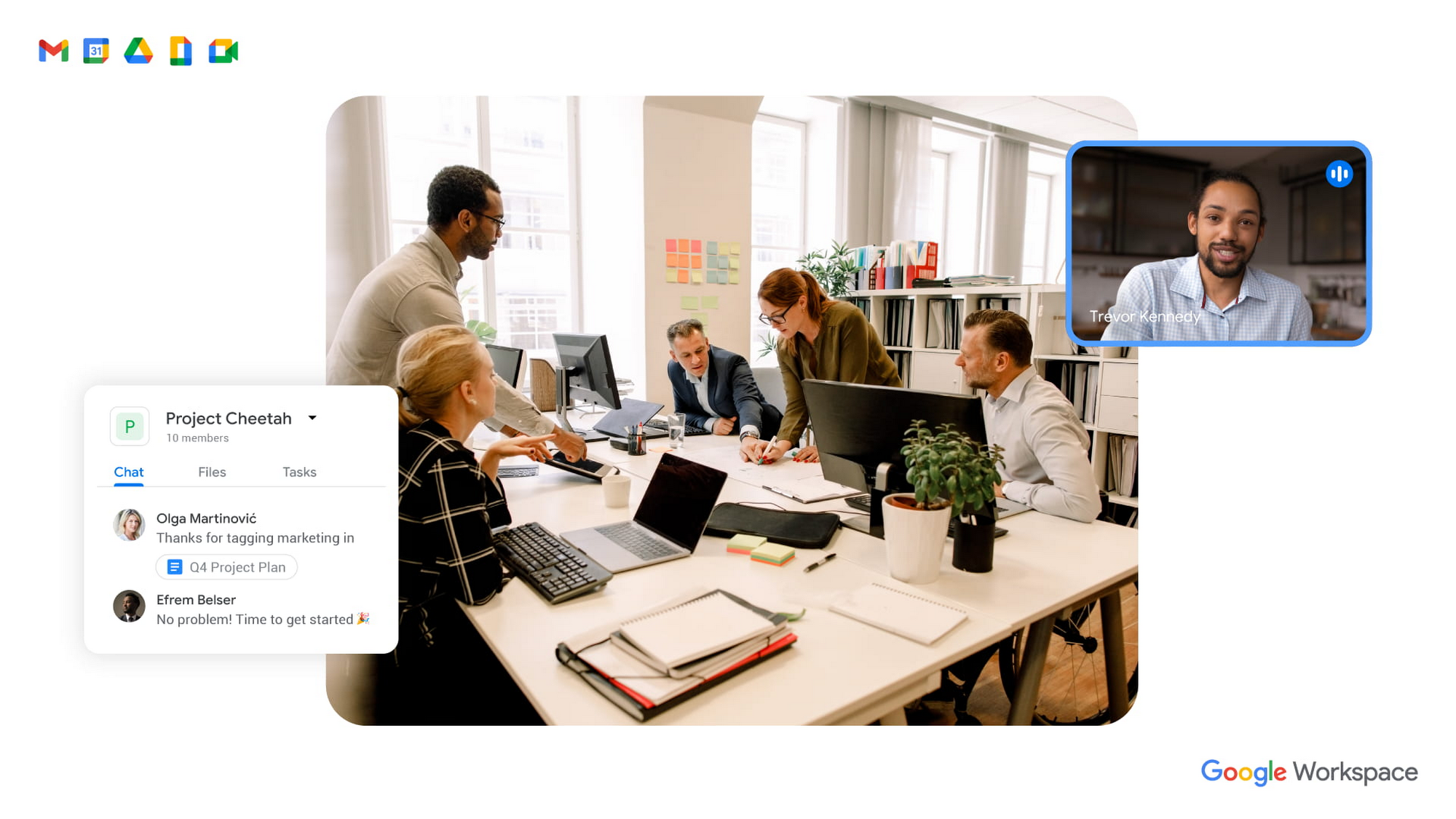
To guide our work, we’ve identified three pillars of collaboration equity: representation, participation, and information.
Representation equity
Achieving representation equity means that all employees can be seen, heard, and portrayed equally, whether working off-site or on-site. When the pandemic hit, we were all scrambling to make sure people could simply connect safely with one another. Google’s existing technology for distributed teams was pressure tested, and I’m proud of how well it performed. But we’re now faced with the disconnect that happens when you merge off-site work with on-site work.
When we were all participating in meetings remotely, everyone shared equal-sized tiles on videos. There was no one sitting in a corner office, no hierarchy—everyone was represented equally. In a hybrid environment, it’s distorted. The people participating remotely appear giant on a conference room monitor, while the people in the conference room appear tiny on screens at home. It can be difficult to decipher who’s even in the room. This is certainly not equal representation.
Some of these issues can be solved with technology. For example, we’ve been working on features like AI-driven video adjustments in Google Meet to compensate for low-light environments and auto-zoom to keep all participants in focus, and both will improve representation equity for hybrid workplaces. Additionally, we can now limit data usage on slow mobile networks so no one has to turn off video during a call. All of these technological innovations improve representation equity for hybrid workplaces, but we also need to adopt new workplace norms as well. For example, some organizations have implemented policies where if one person joins a meeting from off-site, then everyone joins via device so they are all represented equally.
Participation equity
We think of participation equity as the ability to host, present, and participate equally, regardless of location. At Google, we were already accustomed to joining meetings virtually from different offices. With the new tools we’ve developed in the last 18 months, everyone’s ability to participate equally has grown. Wider adoption of meeting tools like hand raise, polls, Q&A, and breakout rooms gives us an ordered, structured way of talking in distributed groups.
But how will we interact when many of us are back in the office? How do we ensure that off-site workers can still engage as meaningfully as others? Companion mode, a tool we’ve developed for Google Meet, gives both in-person and off-site attendees the same meeting experience. Each individual can host, present, and participate in meetings in the same way, with the same tools, regardless of their location.
Teams can also promote participation equity by using meeting moderators who encourage the use of hand-raising features so no one dominates the conversation or interrupts—a challenge that often arises when multiple people are in the same location. While it may feel forced and prevent natural back-and-forths, it does help everyone’s voices be heard. We’ve also learned that many people find it distracting to see their own image, so we’ve enabled users to hide their own video feed. I’ve seen firsthand how these tools and practices are improving participation equity.
Information equity
Information equity means that regardless of whether people work on- or off-site, they have equal access to information. Ensuring free flow of information is key to better long-term thinking, creativity, and cooperation among teams. As individuals exercise their autonomy for where and how they work best, their preferences affect recruiting and retention. If we’re going to accommodate a range of preferences, how do we best equalize access to information?
First, we should actively prioritize keeping each other informed. We can support this proactive mindset through technology by ensuring that meetings have agendas, are recorded or transcribed, and have shareable, accessible information. Our tools, including Spaces and Drive, can be used as information hubs where teammates can reliably access crucial files, conversations, and updates. And coworkers can leverage smart suggestions to @-mention others linked to the project, so no one is left out.
We must commit to solving the information equity problem together or risk ending up in a mushy middle ground where no one is satisfied. Because while most people enjoy working from home, they won’t sacrifice career progression to keep it. If the center of gravity tilts too far toward on-site work, the hybrid model will collapse. We’re not advocating a “choose your own adventure” mentality, nor a one-size-fits-all model. We’re empowering teams to meet the preferences of individual members in a deliberate fashion that supports the larger organization.
During this pivotal time, we are enthusiastic about how we’re seeing work change and advance around the globe. Delivering on the hybrid-work promise of “the best of both worlds” feels more within our reach than ever before. But if we’re going to succeed, we must strive for collaboration equity. Our experience tells us that when you give people freedom and opportunity, they will amaze you.
How to build collaboration equity in your hybrid workplace:
✅ Start with representation. Can every employee be seen and heard? Do they have the tools, technology, and devices to be adequately represented?
✅ Enable participation. Is everyone encouraged to provide their input and voice their opinions? What tools and forums exist to provide this input? How is the input acknowledged and acted upon?
✅ Share information. Do people have access to all the information they need to do their jobs? Does information flow freely or is it hoarded?
✅ Let teams and departments design their own hybrid schedules. Hybrid will not work if every individual is “choosing their own adventure.” Consider using on-site days for collaborative, creative, and brainstorming projects and reserving off-site days for deep focus work.
✅ Reward outcomes, not activities. An employee’s individual preference for how and where to work should not matter as long as they are getting things done. This means flexibility in location and work schedule to maximize impact.
✅ Highlight our shared responsibility to each other. Every manager should ask:
- What does the team need to know about how you work best?
- What are you personally doing to ensure the entire team is successful?
Follow other trends and insights on our Future of Work site.
7774
Of your peers have already watched this video.
1:52 Minutes
The most insightful time you'll spend today!
Video: How Whirlpool’s 90,000 Employees Collaborate to Bring 100 New Products to Market Every Year
As one of the world’s largest manufacturing companies, Whirlpool needs no introduction. The 104-year-old company manufactures home appliances from over 70 manufacturing and technology research centers around the world.
Innovation has been the company’s focus since its inception and that’s evident from the fact that it introduced close to 100 new products in 2017 alone.
For any company to be that innovative, it needs creative minds to collaborate and work towards the same goal, all at once. That’s especially true for Whirlpool that has over 90,000 employees across the globe.
“The need that we have to be connected, the speed with which we need to operate has gone up,” says a Whirlpool executive.
And that’s why, Whirlpool switched to G Suite, Google Cloud’s collaboration and productivity tool that brings together the power of Gmail, Docs, Drive, and Calendar all in one place.
“The opportunity to make a global company feel local, entrepreneurial, and fast-paced, is a big challenge. Google Apps helps us get there. What we’ve really done is create an opportunity for people to collaborate truly on a global basis, regardless of location, place and time. That makes a huge difference in terms of the speed with which we can operate,” says a Whirlpool executive.
More Relevant Stories for Your Company

A set of new capabilities to build a differentiated data platform: BigLake, now generally available
Data continues to grow in volume and is increasingly distributed across lakes, warehouses, clouds, and file formats. As more users demand more use cases, the traditional approach to build data movement infrastructure is proving difficult to scale. Unlocking the full potential of data requires breaking down these silos, and is

How This Company Doubled in Size and Expanded its Business in Just Six Months
In the past six months, Mynd Property Management has doubled in size—in part by hiring, but also through acquisitions that help build our business. It’s an exciting time to be at Mynd—every week brings new people who need to be set up with email and network access, which can also

How Swiggy’s UK Competitor Expanded to 14 Countries in Just Three Years
Deliveroo is the fastest-growing technology company in the United Kingdom, and the first-ever to win Deloitte's UK Technology Fast 50 two years in a row. Founded in 2013, the food courier service achieved a three-year growth rate of over 15,000% to 2018, expanding beyond its London base to operate in 14 countries in
Transitioning to Hybrid Environment with Chrome Browser
It’s been quite a year. In general, and for work. Just the other day, I read a new study from Pew Research that shows 71% of people are currently working from home, and 50% of employees say they want to continue working from home at least three days a week. That’s more
