





3987
Of your peers have already watched this video.
22:21 Minutes
The most insightful time you'll spend today!
Boosting Chrome OS adoption with effective change management
Can you remember the last time you asked a child to do something how did you convince them to do what you wanted? How many times did they ask you why probably more than once, right? So we know change is hard when we ask someone to make a change we’re asking a lot from them. Very often with IT projects we expect people to change, we don’t really think through the implications of this.
The purpose of this video is to guide you to migrate to Chromebooks and help you understand the reason why. When putting together your change management plan there’s a much larger chance of your project being able to deliver on its business objectives.
Introducing new technology into your organization is an exciting step. However, change management and workforce adoption of the new technology can be challenging. Get insights from Google’s Chrome Enterprise expert on change management strategies and best practices for increasing Chromebook adoption in your organization.

7568
Of your peers have already downloaded this article
10:00 Minutes
The most insightful time you'll spend today!
There’s no doubt that Google Cloud is one of the most recognizable user interfaces in the world—everybody knows how to use it to find the information they need. It has upheld this standard of ease-of-use throughout their entire suite of cloud applications for business.
Simply put, G Suite—Google Cloud’s collaboration and productivity platform—provides an environment where people feel comfortable. Because of this, there is naturally less friction and resistance to adoption.
While moving to the cloud has tremendous benefits, but it’s a big change. Big changes at companies require thoughtful guidance and communication even when the change has as much upside as G Suite.
That’s why Google Cloud gives you plenty of tools, training resources, templates, and examples for quick transition and minimal disruption.
G Suite contains productivity-boosting features like multi-person, real-time collaboration in Google Drive and fast message search in Gmail. Though these apps are top of their class, it’s their seamless integration that really helps business operations shine.
That’s probably why 64% of Fortune 500 companies trust Google Cloud with their data. Download this ebook to find more fascinating numbers around how Google Cloud can help you leverage a comprehensive collaboration platform that gives a competitive edge to your business.
Maximize your downtime with these 12 cost-effective Google Cloud learning opportunities

3004
Of your peers have already read this article.
3:30 Minutes
The most insightful time you'll spend today!
The holiday season is upon us! If you are making your list and checking it twice, we’ve got a few learning gifts you can tick off the list and share with others too. For the season of giving, we’ve wrapped up some of our most popular training and certification opportunities and made them available at no-cost.
This December we’re aiming to offer something for everyone, whether you’re just getting started with cloud, or knee deep in preparing for a professional certification exam. Start with the fundamentals to gain a deeper understanding of cloud whether you’re in a business or technical role. Perhaps you’re looking to flex your data analytics and ML muscle with BigQuery and SQL, earn a Google Cloud skill badge, or enhance your technical cloud skills. Or jump into a hot topic like sustainability and learn about Google’s commitment to a clean cloud, and how to use sustainability tools. Read on to find something on your learning wishlist.
We also have a variety of learning formats to fit your needs. Complete hands-on labs, view courses and webinars, or jump into competitions like the Google Cloud Fly Cup Challenge or our most popular #GoogleClout Challenge of 2022 – and let the fun begin!
Are you ready to learn? Take a look at the training we’ve recommended below to work towards your goals as we head into the new year, with new skills, to make the most of new opportunities.
We’re giving plenty of learning gifts to choose from this month, so take your pick from the topics below:
ML, AI and data analytics
Who it’s for: ML, AI and data engineers
What you’ll take away: A deeper understanding of working in BigQuery and SQL.
Level: Foundational
Start learning now:
- Introduction to SQL for BigQuery and Cloud SQL – Get started with this one hour and 15 minute hands-on lab to learn fundamental SQL querying keywords, which you will run in the BigQuery console on a public dataset, and how to export subsets of a dataset into CSV files, then upload to Cloud SQL. You’ll also learn how to use Cloud SQL to create and manage databases and tables, with hands-on practice on additional SQL keywords that manipulate and edit data.
- Weather Data with BigQuery – In this 45 minute lab, you’ll use BigQuery to analyze historical weather observations, and run analytics on multiple datasets.
- Insights from Data with BigQuery – Earn a shareable skill badge when you complete this five hour quest. It includes interactive labs covering the basics of BigQuery, from writing SQL queries, creating and managing database tables in Cloud SQL, and querying public tables to loading sample data into BigQuery.
- The Google Cloud Fly Cup Challenge – This is a three-stage competition in the sport of drone racing in the Drone Racing League (DRL). You will use DRL’s race data to predict outcomes and give performance improvement tips to pilots (these are the best drone pilots in the world!). There’s a chance to win exclusive swag, prizes, and an expenses paid trip to the DRL World Championship. Registration closes on December 31, 2022.
CI/CD
Who it’s for: Software Developers
What you’ll take away: Take part in our most popular #GoogleClout challenge of 2022! Build a simple containerized application.
Level: Fundamental
Start learning now:
- GoogleClout – CI/CD in a Google Cloud World – Flex your #GoogleClout in this cloud puzzle that challenges you in a lab format to create a Cloud Build Trigger to rebuild a containerized application hosted on a remote repository. Register it in the Artifact Registry and deploy. You’ll be scored on your results and earn a badge to share.
Preparing for Google Cloud certification
Who it’s for: Cloud engineers and architects, network and security engineers and Google Workspace administrators
What you’ll take away: Explore the breadth and scope of the domains covered in the cloud certification exams, assess your exam readiness and create a study plan.
Level: Foundational to advanced
Start learning now:
- Preparing for Google Cloud certification – These courses are for Associate Cloud Engineers, Professional Cloud Architects, Professional Cloud Network Engineers, Professional Cloud Security Engineers, and Google Workspace Administrators preparing for Google Cloud certification exams. You’ll also earn a completion badge when you finish the course.
- Preparing for the Cloud Architect certification exam – Join this 30 minute on-demand webinar to learn about resources to maximize your study plan, and get tips from a #GoogleCloudCertified Professional Cloud Architect.
Intro to Google Cloud for technical professionals
Who it’s for: Software Developers
What you’ll take away: Boost your Google Cloud operational and efficiency skills to drive innovation by navigating the fundamentals of compute, containers, cloud storage, virtual machines, and data and machine learning services.
Level: Foundational
Start learning now:
- Getting Started with Google Cloud Fundamentals – This on-demand webinar takes a little less than three hours to complete. Navigate Compute Engine, container strategies, and cloud storage options through sessions and demos. You’ll also learn how to create VM instances, and discover Google Cloud’s big data and machine learning options.
Intro to Google Cloud for business professionals
Who it’s for: Business roles in the cloud space like HR, marketing, operations and sales
What you’ll take away: A deeper understanding of cloud computing and how Google Cloud products help achieve organizational goals.
Level: Foundational
Start learning now:
- Cloud Digital Leader learning path -There are four courses in this learning path covering digital transformation, innovating with data, infrastructure and application modernization, and Google Cloud security and operations.
- Preparing for the Cloud Digital Leader certification exam – In this 30 minute webinar continue your learning journey by preparing for the Google Cloud Digital Leader certification exam. The webinar covers all the resources we’ve made available to help you prepare.
Sustainability
Who it’s for: Software Developers
What you’ll take away: Learn how the cleanest cloud in the industry can help you save your cloud bill, and save the planet.
Level: Foundational
Start learning now
- A Tour of Google Cloud Sustainability -Work through this one hour, hands-on lab, to explore your carbon footprint data, use the Cloud Region Picker, and reduce your cloud carbon footprint with Active Assist recommendations.
Keep connected and learning with us in 2023
Accelerate your growth on Google Cloud by joining the Innovators Program. No-cost for users of Google Cloud (including Workspace), it’s for anyone who wants to advance their personal and professional development around digital transformation, drive innovation, and solve difficult business challenges.
Continue your learning with Google Cloud in 2023 by starting an annual subscription1 with Innovators Plus benefits. Gain access to $500 in Google Cloud credits, live learning events, our entire on-demand training catalog, a certification voucher, access to special events, and other benefits.
Build your skills, reach your goals and advance your career with 12 no-cost ways to learn Google Cloud!
- Start an annual subscription on Google Cloud Skills Boost with Innovators Plus for $299/year, subject to eligibility limitations.
How MobileOne Expanded its Stores by 340% in Just Three Years

4831
Of your peers have already read this article.
7:30 Minutes
The most insightful time you'll spend today!
The mobile industry is extremely fast-paced. New smartphones arrive at rapid speed. Smartphone OS updates regularly add new features and capabilities. And by the end of 2018, 5G wireless, the game-changing successor to 4G, will begin to be available in some markets.
With more than 125 T-Mobile premium retail stores across the United States, MobileOne is at the forefront of the mobile industry’s constant, rapid-fire changes. The company is growing quickly, too, expanding its number of stores by 340% in just 3 years.
In this high-growth, non-stop environment, MobileOne’s mission is to keep frontline employees trained, informed, and updated at all times so that they, in turn, can serve as trusted experts to customers. Ultimately, the end game is to stay competitive by delivering the kind of positive experience that encourages customers to return, and to recommend MobileOne to friends.
But fulfilling this mission had become a major operational challenge for MobileOne. Information was typically created in the company’s productivity software suite and shared in emailed file attachments through the company’s on-premises email system. The method was slow and inefficient, and it could introduce errors if an outdated file was emailed.
In addition, there were no central, shared, easily accessible repositories of company knowledge. Thus, to find information shared a few months ago, team members might have to search their email archives for the appropriate file, and the search capabilities of MobileOne’s legacy email system were far from robust. Worse, a file that one employee suddenly needed may exist only on the hard drive of another employee who might be away on vacation.
“Without G Suite, I can’t imagine how we could keep up with everything.”
– Revel Stark, Director of Recruiting and Marketing, MobileOne LLC
MobileOne leaders recognized that a digital workforce transformation was needed to help the company stay focused on delivering excellent customer service. In response, the company began moving all employees to G Suite with the help of Suitebriar, a Google Cloud – G Suite Premier partner.
Sharing docs in seconds
G Suite applications help MobileOne team members collaborate, share information, and receive the latest training. G Suite also helps MobileOne move at an accelerated pace. For example, on a recent Sunday, Revel Stark, Director of Recruiting and Marketing at MobileOne, was on his way to the beach with his family when someone in the company needed a document from him right away.
“It took just seconds to launch the Google Drive smartphone app, do a quick search, and share the requested document,” says Revel. “Before G Suite, I’d have to start up my laptop, assuming I even had it with me, and search for the file. If the file wasn’t on my laptop’s drive, it might be Monday before I could have found and shared it. That just doesn’t work for us. Without G Suite, I can’t imagine how we could keep up with everything.”
Creating central repositories
“Now, with Drive and Sheets, everyone has access to the most recent, business-critical information at the same time. Having live spreadsheets helps us ensure that no important information gets lost, despite the rapid pace in which we work.”
– Revel Stark, Director of Recruiting and Marketing, MobileOne LLC
Drive, coupled with G Suite apps such as Docs and Sheets, streamlines document sharing at MobileOne by enabling the company to create central repositories of information that are easily accessible and, with Google search technology, easily searchable.
For example, the company used to track operations, growth metrics, and performance in its legacy productivity suite’s spreadsheet application. The spreadsheet files were shared via email. But given MobileOne’s rapid growth, the information in those spreadsheet files could become outdated quickly. And there was confusion at times about which file was the most recent version.
“Now, with Drive and Sheets, everyone has access to the most recent, business-critical information at the same time,” Revel says. “Having live spreadsheets helps us ensure that no important information gets lost, despite the rapid pace in which we work.”
MobileOne has set up a Team Drive for each of the company’s departments, too. “With Team Drives, department heads can make sure their department’s documents are well organized, up to date, and easy to find,” Revel says. “And they can give access only to the people who need it.”
Streamlining interview schedules
The thousands of apps in the G Suite Marketplace enable businesses to add even more functionality to the G Suite apps that their employees use every day. MobileOne uses a third-party scheduling app that integrates with Calendar to streamline the scheduling of job applicant interviews. “Job applicants can look at our calendar and pick an open slot to schedule their interview,” says Revel. “It speeds up the process by not having to go back and forth in email, trying to find a time that’s mutually agreeable.”
Simplifying admin duties
“Before G Suite, it was time-consuming to add a new user to our email system,” Revel says. “I’d have to ask our service provider, then wait for them to do it. But with the easy-to-use G Suite admin panel, we can add someone to Gmail ourselves in a minute or two.”
Receiving personalized service
To support the rollout, MobileOne worked with Suitebriar, a Google Cloud – G Suite Premier Partner. Suitebriar efficiently set up MobileOne on G Suite and now provides webinars and on-going support to help MobileOne users get more out of G Suite. “Suitebriar is incredibly responsive,” says Revel. “They know our business, they give us personalized service, and they get back to me quickly when I have questions, sometimes in as soon as 30 seconds.”
Driving new business with Forms
MobileOne uses Forms to help it organize public events and, in combination with Sheets, to measure the success of those events.
Last year MobileOne held 200 events across the company’s 125 stores and is planning to hold up to 400 events this year. The events are designed to connect MobileOne associates with local residents and bring people into its stores who might not otherwise visit.
“We developed a pre-event form that stores use to communicate with our corporate office about what’s needed to set up their event,” Revel explains. “And we have a post-event form that stores can fill out to capture what worked and what didn’t work at the event. The information in that form gets dropped into a Sheets spreadsheet, so we can track the success of events across all stores. It helps us focus on the events that drive the most traffic into stores, where we can connect with locals and show them how we can help them.”
Using Hangouts to train — and applaud
“When a team member in the field does something fantastic, we can gather a bunch of people in a conference room, get that team member into Hangouts, and give him or her a round of applause. It’s a great way to give someone a pat on the back.”
– Revel Stark, Director of Recruiting and Marketing, MobileOne LLC
At MobileOne, Hangouts is among the most used G Suite app. The company uses Hangouts to bring executives together in different locations for a weekly briefing. “Hangouts breaks down the barriers that geographical distances create, so that everyone gets quality time together,” Revel says.
Training is another key Hangouts use case. “Because keeping our people well informed is so important, we use Hangouts frequently to train team members,” says Revel. “We’re currently using Hangouts with a Hangouts Meet hardware in our corporate office for training, and we’re considering expanding that by adding 20 to 30 Hangouts Meet hardware in training rooms across all seven states where we operate.”
MobileOne uses Slides for training presentations, which are often scheduled using Calendar and presented in Hangouts. “Calendar makes it easy to set up training events and to see the availability of people you want to invite,” Revel says. When people find a time that works, they simply add a Hangouts link to the calendar event. Then during the Hangouts session, a presenter can launch a Slides presentation, and attendees can ask questions with Hangouts chat. All of this is easy to set up and the training happens in real-time, which gives it more of an impact.
The company is also leveraging Hangouts in a less conventional way. “When a team member in the field does something fantastic, we can gather a bunch of people in a conference room, get that team member into Hangouts, and give him or her a round of applause,” says Revel. “It’s a great way to give someone a pat on the back.
Celebrating Google Cloud and State of Wyoming’s Decade of Partnership!

4054
Of your peers have already read this article.
2:00 Minutes
The most insightful time you'll spend today!
When Wyoming became the first state to transition all its employees to Google Workspace ten years ago, everyone expected a million dollars in cost savings. What started as a move to save money and ease communication has turned into much more. While the cost savings continues to be significant, state efficiency skyrocketed, allowing employees to spend more time working directly with the community.
This year, we’re celebrating 10 of the most important lessons learned over ten years in our Wyoming-Google partnership.
1. Collaborative tools breed a collaborative culture. Wyoming was prepared when the COVID-19 pandemic hit, forcing our workers to transition to at-home environments. Employees across the state were already using Google Workspace collaboration and productivity tools, which made the switch easy. We also had already set a precedent by hosting a key budget meeting over Google Meet from outside the country. Using Google Meet in such a high visibility meeting showed state employees that every level of government could benefit from digital collaboration. This culture was made possible by Google Workspace tools.
2. Digital tools can connect the community with essential services. That same collaborative spirit helped our government employees better connect with our community throughout the pandemic, delivering key information for food assistance, as an example. One in five children in Wyoming suffer from food insecurity. Google Workspace allows programs like the Wyoming Hunger Initiative to run smoothly, as everything from scheduling and planning events, to tracking and research, is handled with Google Workspace. The data gathered and stored in Google Cloud is protected and helps to bring meals to the kids who need them most.
3. Easy-to-use apps make transitions simpler. Google Workspace apps have been a breeze to learn from day one. They are designed to be intuitive and state employees are able to get the hang of the software simply by trying it themselves. We also developed a training series for new users to further ease the transition. Training is offered every six weeks so users can take the training when they are onboarded or at any time they need a refresher.As I started my career with the State of Wyoming, Wyoming began its journey as the first state to go Google – forever changing how and where we work. This was especially evident as we worked through our emergency telework at the height of the pandemic. Whether meeting with stakeholders around the capitol complex, across the state or teleworking from home, Google ensures our teams are always connected and collaborating.
-Tim Sheehan
Interim CIO & Information Services Administrator, Dept. of Enterprise Technology Services
4. Invest in students, invest in the future. How do you enable students to retain access to their work and emails as they transition from elementary to middle and high school? Wyoming developed “Wyo for Life ,” which established a state email domain across all our school districts. Students get an email address with unlimited data that they can keep forever. This makes the transition for students seamless, and their digital portfolio is theirs for life.
5. Switching to Google Cloud saved millions on technology costs. The cost savings from moving to Google have taken many forms over the years. Google Cloud’s migration tools made it easy to move various systems to a single centralized platform, consolidating IT resources—and saving money—across the state. In the past 10 years, the cost of Google Workspace within the Department of Transportation has increased by only 7%, a third of the inflation rate over the same period. Our state also switched from a $1.5 million legacy video conferencing system to Google Chromeboxes in 2015—at a fraction of the cost. When combined with the savings over each year, the switch has saved taxpayers a compelling amount of money. This allows our state to keep innovating and adapting without putting pressure on taxpayers.
6. Security is both simpler and stronger. In the last decade, Wyoming has become the state with one of the best security records in the country. We have consistently ranked in the top five most secure states, year after year, with the help of Google Cloud. Other states have found it difficult to keep constituent data secure, and major breaches have left communities across the country floundering. By partnering with Google, we have ensured constituent data is constantly secure.
7. Flexibility is crucial for governments that want to grow. Focusing on flexibility, the State of Wyoming has been able to look at the needs of our employees and community and change the way we apply technology to our constituent services with Google Workspace. As those needs have changed, we have been able to shift our focus and better serve constituents without having to spend time rebuilding internal systems.
8. Working together has led to stronger, more cost-effective solutions over time. Our state has access to Google Cloud experts, and that relationship has allowed real flexibility. For example, Google Meet and its predecessor Google Hangouts, weren’t available at the beginning of our partnership. When it became clear that those tools could serve the Department of Corrections, we worked with Google Cloud to ensure the tool was added to our Google Workspace portfolio.
9. Workspace apps are always improving. Google Cloud is constantly evolving, upgrading, and improving their products to serve their users better. The hundreds of product updates they’ve put out over the years have benefited us as a long-term customer, and Google Workspace for Government ensures the complex problem of running an efficient public office has real solutions.
10. Community is key, even outside of Wyoming. The State of Wyoming is part of a larger community of public sector workers using Google called Public Sector Connect. All public sector employees can connect with others, join discussions, and get inspired by how Google tools are changing government and education. All community members hold positions in government or education, and new ideas are being shared every day. This community is at the forefront of public sector innovation. We meet with Google engineers and suggest solutions, feature set requests, and learn from others about problem-solving, innovation and implementation. This is the space that has been lacking in the public sector for years and if you are in the public sector, please join!
Using Google has allowed the State of Wyoming government to focus on our future roadmap. Over the last 10 years, instead of retrofitting our ideas into legacy technology or developing applications as we go, Google Workspace and Google Cloud contained all of the tools to achieve our milestones seamlessly. Google Workspace contains all of the applications our end users need for working remotely, in-person, or hybrid. The harmony between Google Workspace and Google Cloud opens new opportunities for our government, to include data analytics, big queries, and the use of artificial intelligence. Our enterprise processes have modernized thanks to the innovative solutions and support by Google.
Now 10 years later, we are proud of the partnership we have built with Google Cloud and are looking forward to the next 10 years using Google to support our community.
Workspace powers business as usual for Optiva during COVID-19

3827
Of your peers have already read this article.
3:30 Minutes
The most insightful time you'll spend today!
Established companies in any industry, including telecommunications, often take a cautious approach when it comes to adopting new technology. This is true of any technology and especially of tools used across entire organizations and at all levels—like collaboration and communication tools. I joined Optiva Inc. as its Chief Marketing Officer in August 2018, and right off the bat I faced the need for cloud-based productivity and collaboration tools like Google Workspace (formerly G Suite), which was new to me.
Optiva was in the midst of making an organization-wide change to implement Google Workspace productivity and collaboration tools. Employees at that time—at Optiva and across other organizations I used to work with—primarily collaborated by attaching documents to company emails and meeting their colleagues in office corridors. Meetings were almost always in person or via phone. These processes were inefficient and contributed to version-control confusion and decreased overall productivity. They were also based on our pre-COVID world.
Today, Optiva is a fully remote-first organization, and our employees use all the tools in Google Workspace. Collaboration has increased dramatically, surprising even initial skeptics. Occasionally we still encounter resistance from new employees who are used to a different way of working. This is logical, but more often than not, they thank us later, and many have told me that they see the value for their productivity and the entire organization’s collaboration.
Google Workspace has become a real advantage, especially for a global company like Optiva with employees across the world and in so many different time zones. Instead of waiting for team members’ availability to review or collaborate on a document, wasting time coordinating who works on the latest version, or who is the “owner” of a deck, employees can open a document, view new changes, and add updates, even when others are working on the same document in parallel.
Google Workspace promotes business as usual during COVID-19
The combination of Optiva’s remote-first policy and Google Workspace collaboration tools proved a welcome addition during the challenges posed by COVID-19. Optiva was ahead of the curve of remote working policies in the telecommunications industry and in the software industry as a whole, so when the work-at-home orders went into effect in March last year, Optiva’s business charged ahead without missing a beat.
Google Meet has helped us maintain a strong corporate culture during this challenging time. For example, we constantly use video conferencing, which has been a great way to see the entire team and get a real sense for how each employee is doing—professionally as well as personally. Using Google Chat allowed us to keep in touch with everyone across our global teams. It helps us ensure that everyone feels secure and can work during this challenging time. Also, we have continued to create new teams with employees all around the world. If we attempted to onboard or train them using conference calls or emails, the experience wouldn’t be the same. Meet has helped us develop the strongest teams possible, faster, and much more effectively.
We also use Google Workspace tools to cross-train employees on tasks and processes in departments outside their own. That way, if one of our employees has to be out of the office unexpectedly, the company benefits from full business continuity. To make this possible, various teams and departments documented their specific processes, held training sessions on Meet, and recorded them so any employee could access them on demand.
Many struggled in the early days of the self-quarantine orders, especially when it came to the sudden need to select and deploy new technologies for remote collaboration and, more importantly, to keep supporting their customers. We were fortunate that our business was unphased—and we owe a lot of this success to Google Workspace.
More Relevant Stories for Your Company

Partner Delivery Excellence: Empowering Partners Deliver Customer value with Google Cloud
With growing demand for Google Cloud, customers are increasingly expecting more reliable advisory and implementation skills from Google Cloud Systems Integrator (SI) Partners. Our model for professional services remains differentiated, with a heavy co-dependence on our SI Partner ecosystem to drive success for our customers. Therefore, enabling and nurturing strong
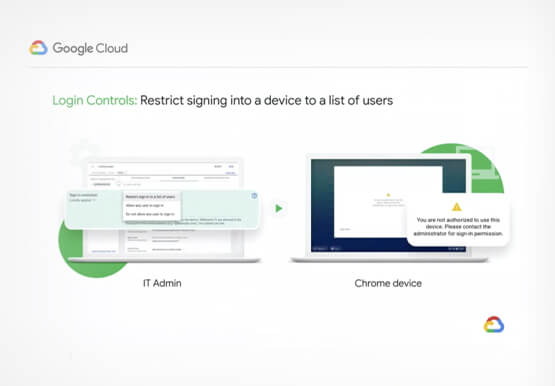
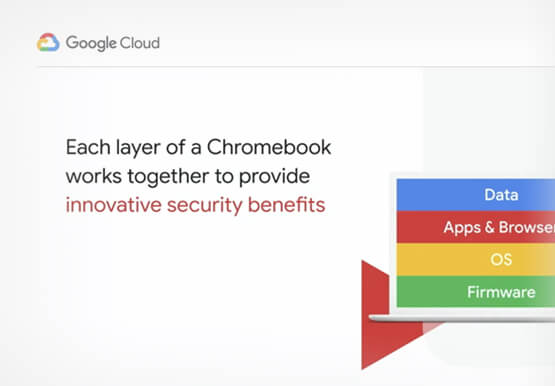
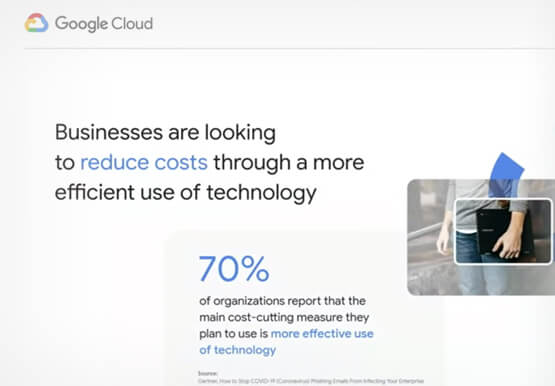

Securing Remote Workers with Google and Chrome Enterprise
With the proliferation of COVID-19 across the globe, the need for a remote working strategy has become paramount to keep businesses running. A Gartner survey found that 88% of organizations have asked their employees to work remotely. And 97% of the organizations canceled work-related travel. However, only 10% of the

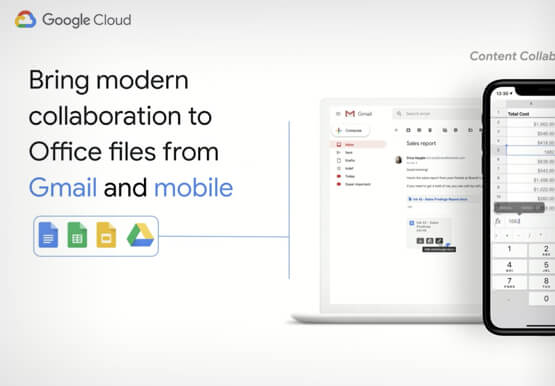
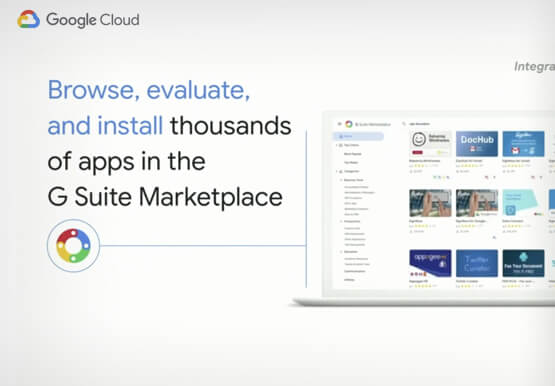
Work beyond borders: How to use G Suite with Microsoft and your favorite third-party applications
The average enterprise uses 129 different applications on a day to day basis. These applications enable critical workflows that drive businesses forward. But when these apps don't work well together that leads to lost time, frustration, and missed opportunities. Professionals have access to dozens of applications in their organization. Apps
Building API-enabled Partnerships Fosters Growth and Innovation
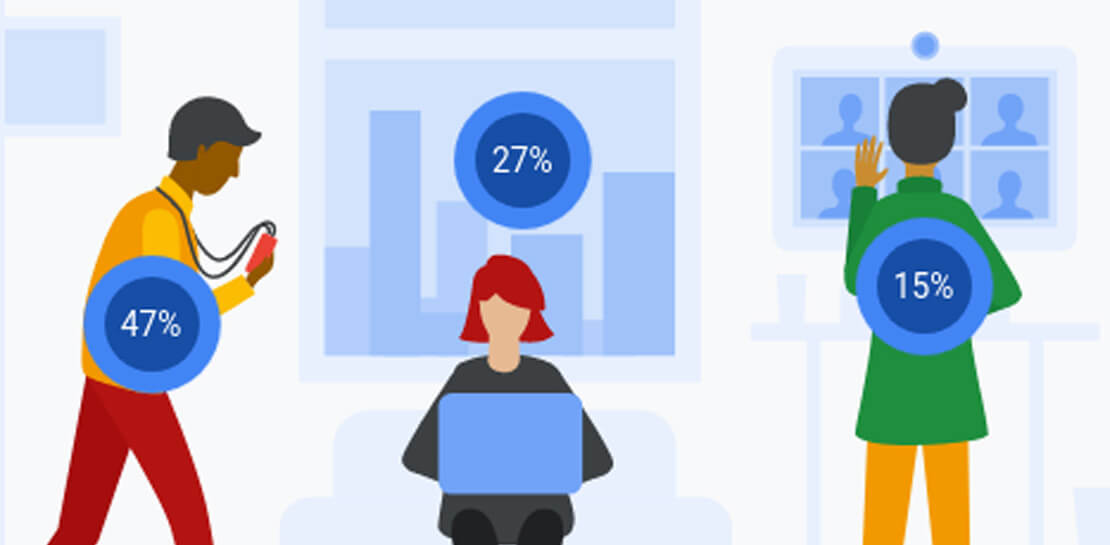
Oxford Economics and Google Cloud surveyed 1,000 CIOs across seven industries around the world to understand their approaches to developing strong business partnerships that support innovation and drive business results—and to find out what the most successful companies are doing differently. Download to read more.
